Keep templates in Word
Start with a DOCX and use native content controls for the fields your application fills. Keep styles, tables and page layout with the template.
Build a Word templateFor teams generating documents from application data
Generate polished contracts, proposals and reports from your application data. Keep the Word layout, fill the right fields and let people edit and review the finished document in your product.
Try the public examples without submitting a form.
Use tagged content controls to connect a Word template to your application data. Keep the layout in DOCX, supply the right values from your application and give users an editable Word document instead of a dead end after generation.
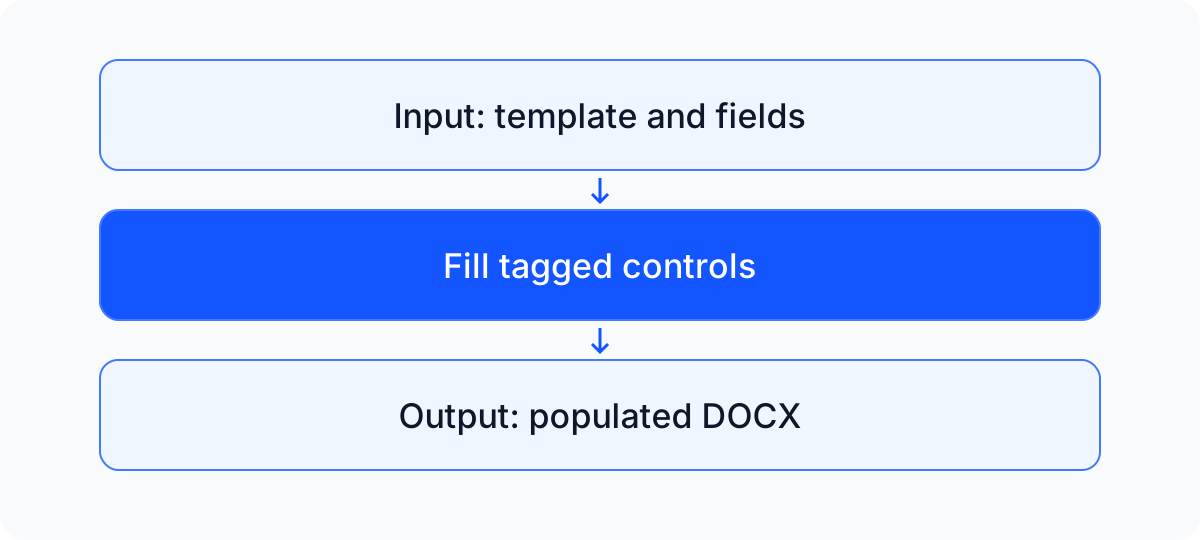
Start with a DOCX and use native content controls for the fields your application fills. Keep styles, tables and page layout with the template.
Build a Word templateFill matching fields from a form or your backend. Calculate names, amounts and account-specific wording in your application, then populate the same maintained template.
Connect a form to template fieldsLet users refine the populated document, add comments and review tracked changes. Use the Document API to extend your workflow beyond filling fields, then export a Word file.
Explore document operationsStep 1
Add tagged content controls to a DOCX. The public example uses a service agreement with six distinct fields.
Step 2
Connect form values to the corresponding content controls. Your application owns validation, data access and the rules for filling fields.
Step 3
Refine the populated document in the editor, then export a DOCX. Reopen it to check the final values and formatting.
Open the runnable template example. The example includes its setup, public input and pinned dependency versions.
Connect a form to fields in a Word template
The maintained example demonstrates text content controls in a service agreement. Your application supplies validation, data access and business rules; evaluate additional content types with your own templates.
Review current plans and pricing, commercial licensing terms and the license setup guide. Use the commercial signup or talk about Enterprise.
Tell us about your template, its fields and the application data you want to connect. Please leave private document contents out of this form.
The optional HubSpot form loads with JavaScript. Email [email protected] for engineering help. Marketing consent is separate. Privacy policy.