Connect a form to repeated fields in a Word template
Fill every matching Word content control from one application value. Includes a runnable Node.js example, a synthetic DOCX template and save and reopen checks.
See it in SuperDoc
One form value. Three places in Word.
Change the client name once. The application fills every matching field.
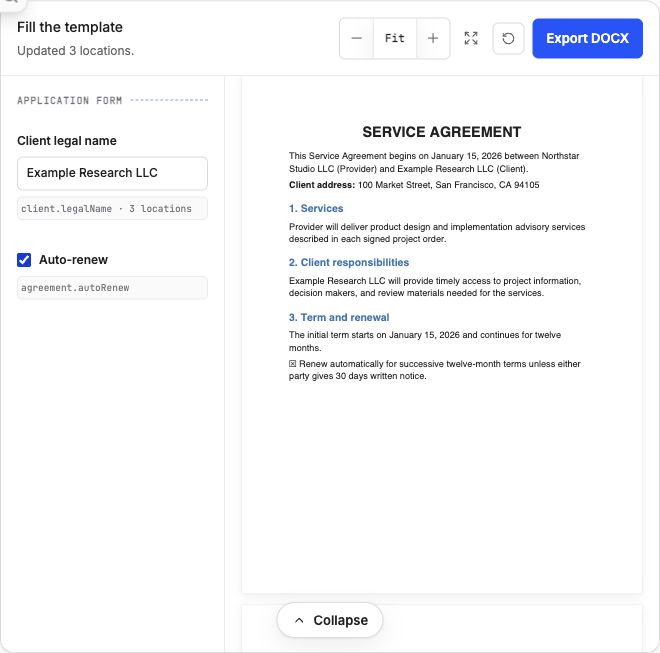
Real SuperDoc browser demo, using a synthetic agreement. The form updates all three client name fields and the renewal checkbox. The Node.js example below implements the separate saved file workflow.
Try the live demoDownload the LinkedIn image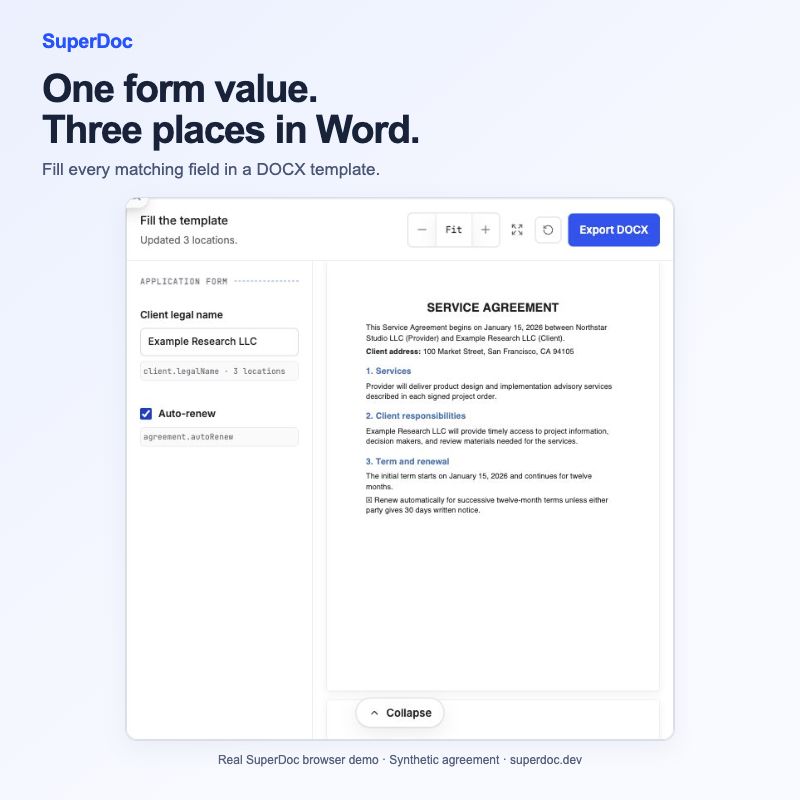
Published 2026-11-07T02:02:59.313Z. By SuperDoc.
Connect a form to repeated fields in a Word template
The person building a proposal should type the client’s name once. The Word template may need it in several places.
Word content controls give your application a way to connect that form value to the places it belongs. Tag the relevant controls with a shared application field, find the matches, and fill each occurrence. Your code keeps the values in sync. This guide implements the local Node.js update step; the linked browser tutorial shows a form and editor.
What you will build: a Node.js script that fills three text controls, saves a separate DOCX, and checks the exported values and tags. This example uses @superdoc/[email protected] and a public synthetic service agreement. For a form and browser editor, use the browser template tutorial.
1. Start with a prepared template
Download service-agreement-template.docx. It contains three text controls tagged client.legalName. Save the accompanying workflows.mjs and fill-template.mjs files beside it.
npm install @superdoc/[email protected]
node fill-template.mjs service-agreement-template.docx filled.docx "Example Research LLC"
The script expects three matching text controls and refuses to overwrite the source. Change that expected count deliberately when adapting it to your own template.
2. Find every occurrence of the field
A tag names the value your application understands. Each matching control has its own identity. Query the tag to get the occurrences:
const { items } = await doc.contentControls.selectByTag({
  tag: 'client.legalName',
});
Before changing anything, check the number of matches and each controlType. A template with a missing field or an unexpected control type should return a useful error while the original file is still untouched.
3. Set each value and check each receipt
For every validated text control, call the typed setter with that occurrence’s target:
const receipt = await doc.contentControls.text.setValue({
  target: item.target,
  value: 'Example Research LLC',
});
Inspect every receipt before saving. These updates run sequentially, so an early occurrence can change in memory before a later update fails. The local-file example discards that session and saves no output on failure. The source remains available for a fresh attempt.
For shared documents: discarding a local session would not undo edits already synchronized to collaborators. A collaborative integration needs its own failure and recovery strategy.
4. Reopen the completed Word file
After all updates pass, save filled.docx to a separate path. The SDK verification reopens it and checks:
- Three values: every matching field contains the new name.
- Three tags: the content controls remain tagged.
- Unchanged source: the original template’s hash is the same.
Those checks establish field behavior on this synthetic fixture. Include a Microsoft Word open and reopen check when evaluating formatting and compatibility for your users’ templates.
Build the form around the document
Your application can collect one client name while the template places it wherever it belongs. Keep the field schema explicit, report missing or failed updates clearly, and export only when every expected occurrence has passed.
Start with the synthetic template, then test the fields and structures your product uses. The template filling guide includes a browser form, typed field helpers and export checks.
Runnable example files
-
Synthetic input: tracked-changes.docx. SHA256: c41d0a76daaf0a3936bd32457560c9e4f74d8ba6df462767111cd3e4650374b1
-
Synthetic input: service-agreement-template.docx. SHA256: 06084952d170a5f9c7298baa9c45561d315f653391bf0fcf0dd14c7639f1b972
Content ID: 88dcde6b78da4c8c4426bc15cb840fcf36e24a8d25800a61e4c3ce49b5e22de1