Real Word files. No conversion.
Edit the document's native OOXML instead of converting it to HTML and rebuilding a Word file. Keep styles, tables, lists, headers and footers part of the document.
See how native DOCX editing worksFor product and engineering teams
Native DOCX editing, right inside your product. No conversion to HTML. Preserve Word formatting, tracked changes and comments, with a powerful Document API for demanding applications.
Try the public examples without submitting a form.
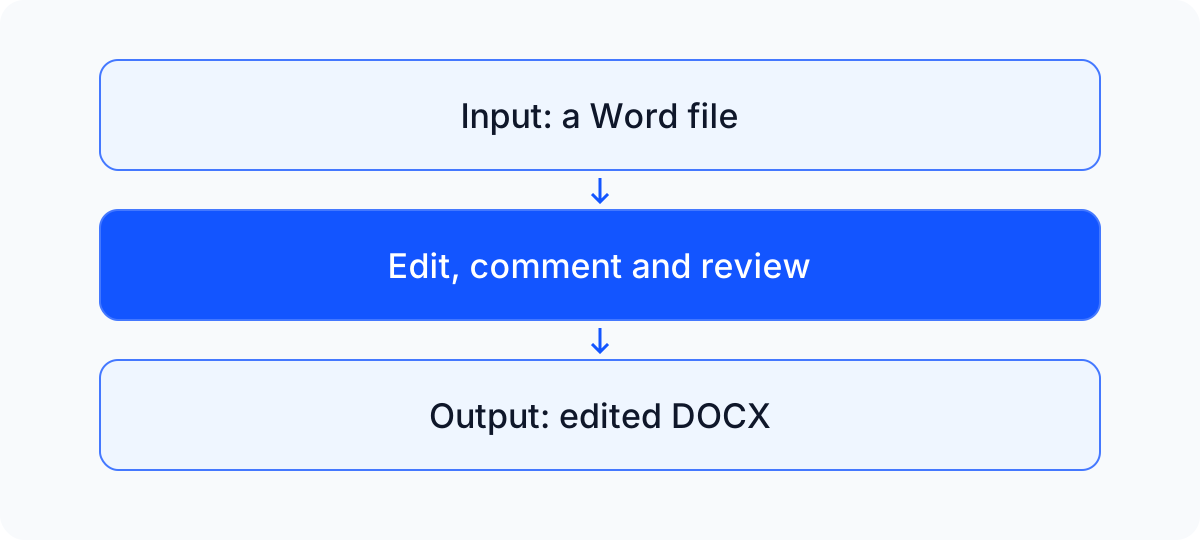
SuperDoc reads, edits and writes the DOCX itself, keeping Word's native document structure from open to export. Embed a polished editor that lets people draft, comment and review directly in your application.
Edit the document's native OOXML instead of converting it to HTML and rebuilding a Word file. Keep styles, tables, lists, headers and footers part of the document.
See how native DOCX editing worksProgressive pagination and page virtualization keep the editor focused on the pages in view. Build for real work on long, complex documents.
See large document performanceBuild your own review cards, sidebars and accept or reject controls around the document. Connect comments, tracked changes and precise document operations to your product, in the browser and on your server.
Build your own review controlsStep 1
Use the public sample in the editor example. Your application supplies the DOCX file and controls who can access it.
Step 2
Edit text, add comments and accept or reject tracked changes. Build the review controls that fit your users' work.
Step 3
Save the edited document as a DOCX, ready for the next person to open in Microsoft Word. Keep the conversation moving between your product and Word.
Open the runnable editor example. The example includes its setup, public input and pinned dependency versions.
React and JavaScript editor quickstart
Build an accept and reject workflow for Word edits
Connect the editor to your application's authentication, storage and permissions. SuperDoc handles the document editing, rendering and DOCX export.
Review current plans and pricing, commercial licensing terms and the license setup guide. Use the commercial signup or talk about Enterprise.
Tell us about your application and the Word editing task you want to support.
The optional HubSpot form loads with JavaScript. Email [email protected] for engineering help. Marketing consent is separate. Privacy policy.